


Office's database application
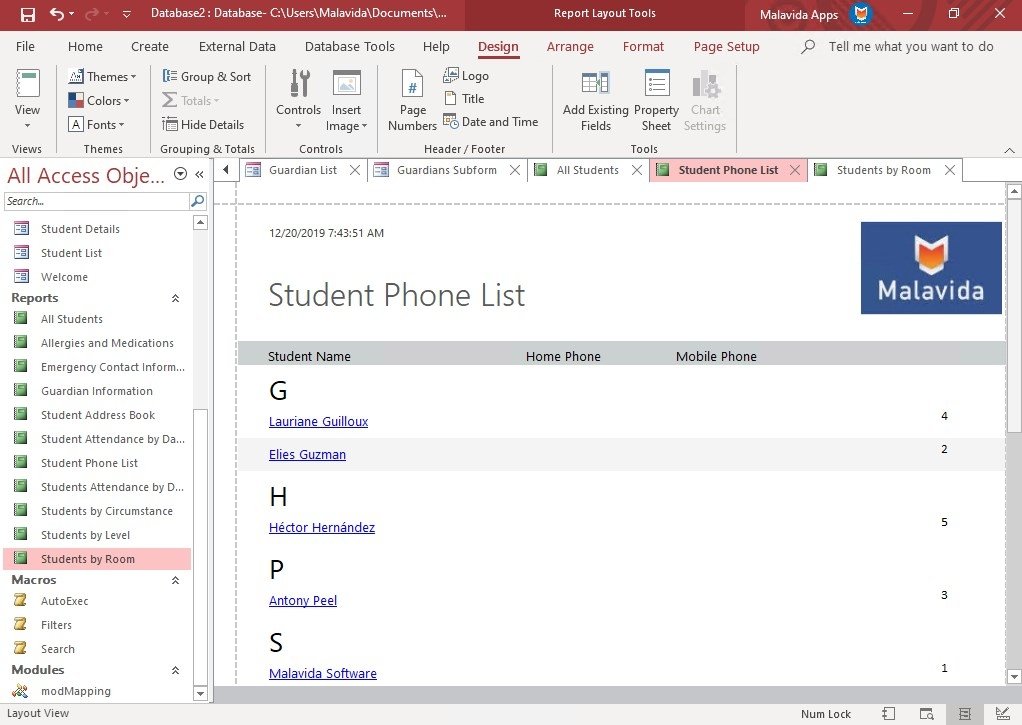
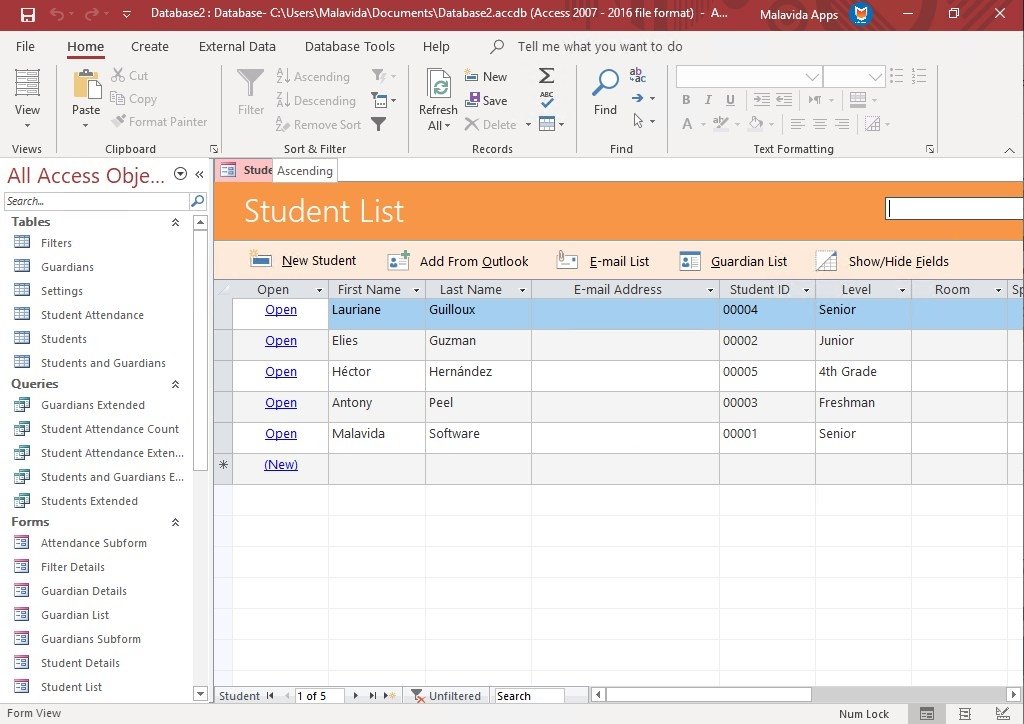
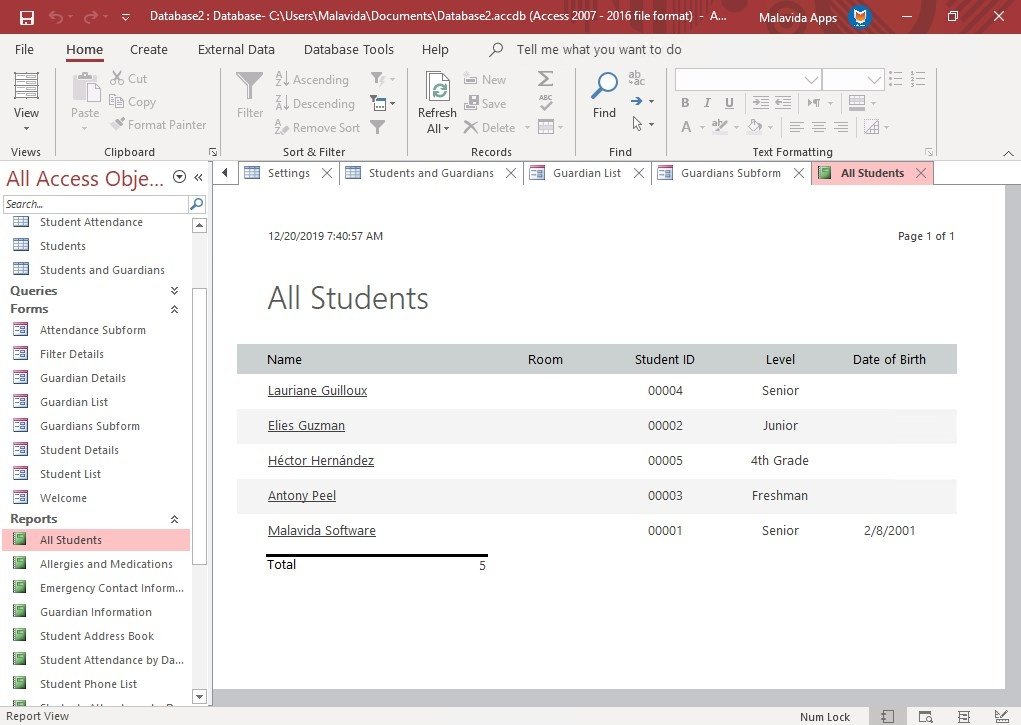
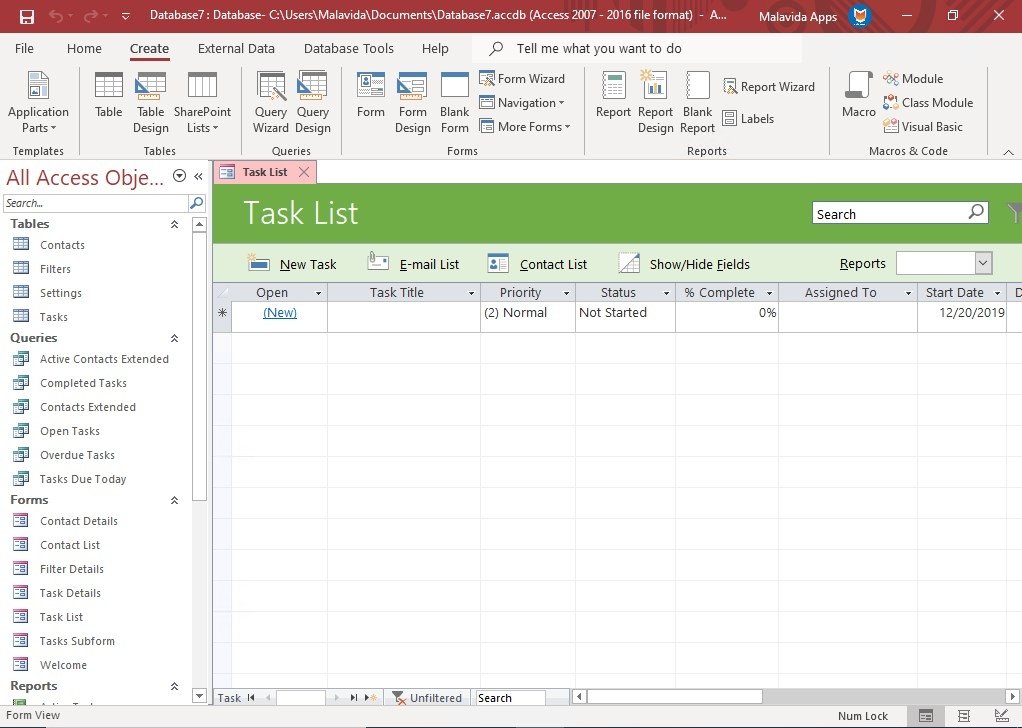
Within the Microsoft Office suite, whose star products have always been Word, Excel, and, to a lesser extent, PowerPoint, we can also find a great tool to work with databases from our PC, as is the case of Access. But, what is Microsoft Access really all about? Well, it's basically a tool developed by the guys at Redmond that brings together under the same program a relational database management system, a comfortable user interface, and different software development tools. Download Microsoft Access for PC if you want to get your hands on a very useful three-in-one tool for those people that work with databases on a daily basis.
The simplest of tools to work with relational databases.
What's the background of this program? To talk about its origin we have to go back to the mid-80s' when Microsoft was working on Project Omega with the intention to launch its first database product. The project didn't work out too well, being quite sluggish and ended up leading to the new Project Cirrus that start using the program's current language, Microsoft Jet Database Engine, until the first official version of Access was launched in 1992, a software that has gradually evolved to become what it is nowadays thanks to Microsoft Access 2019.
What are the functions of the 2019 version of Access?
The truth is that there aren't too many differences between the functions available in Access 2016 and Access 2019, that has only undergone a minor facelift. Its main features and functions can be summarized as follows:
- Create desktop databases accessible via a web browser.
- Full comprehensive management of everything that has to do with your databases.
- Generate online applications without any development knowledge.
- Automatically save information in MySQL databases.
- Possibility to share databases, tables, and applications with workmates.
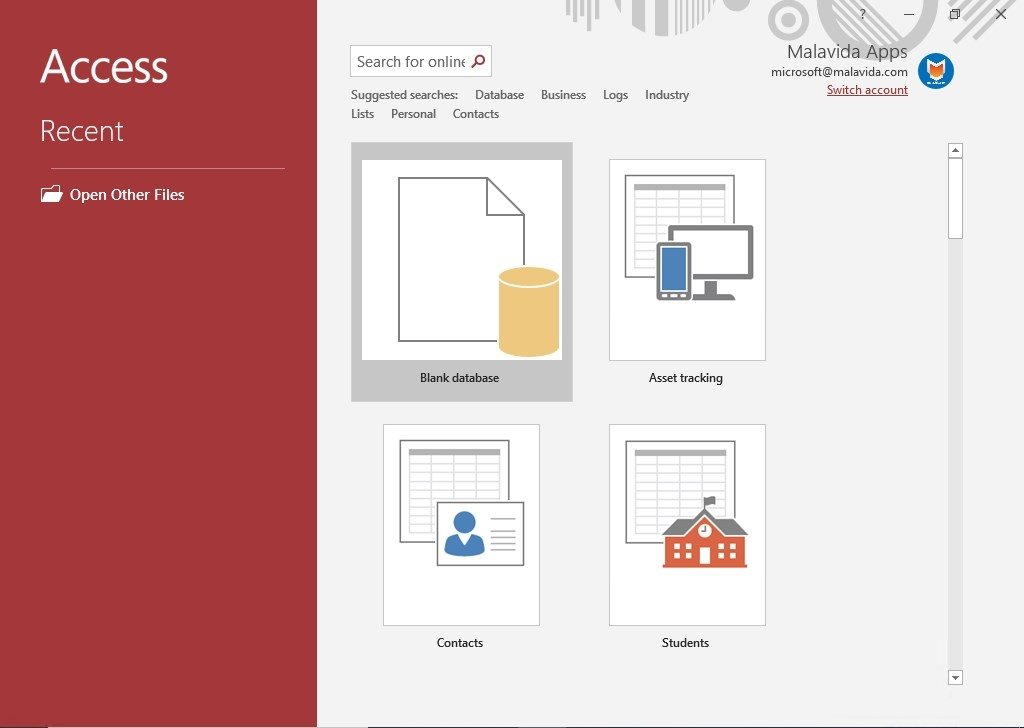
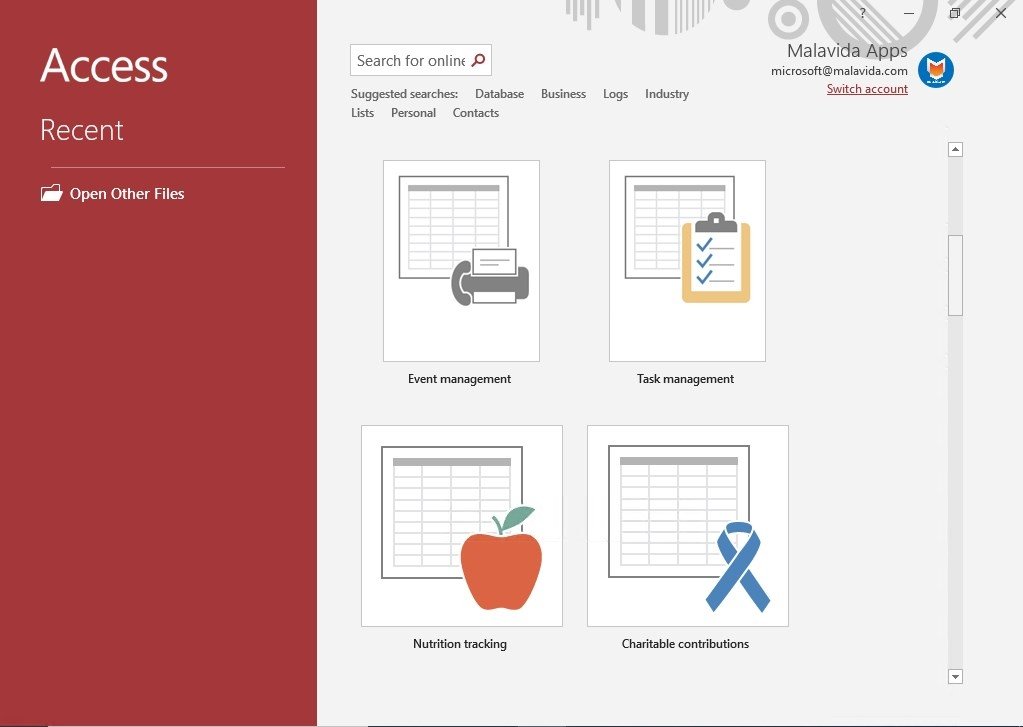
- Wide range of templates created by professionals.
- Use macros and import MySQL databases.
- Quickly define fields, relations, and rules between different tables.
- Make queries on the database without having to switch screens.
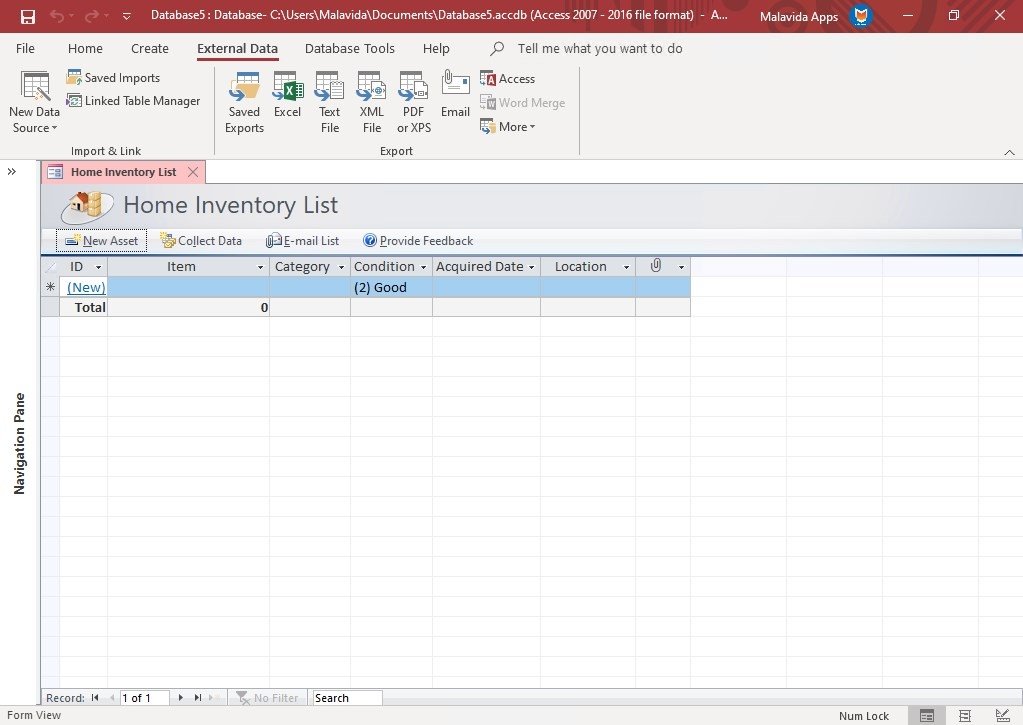
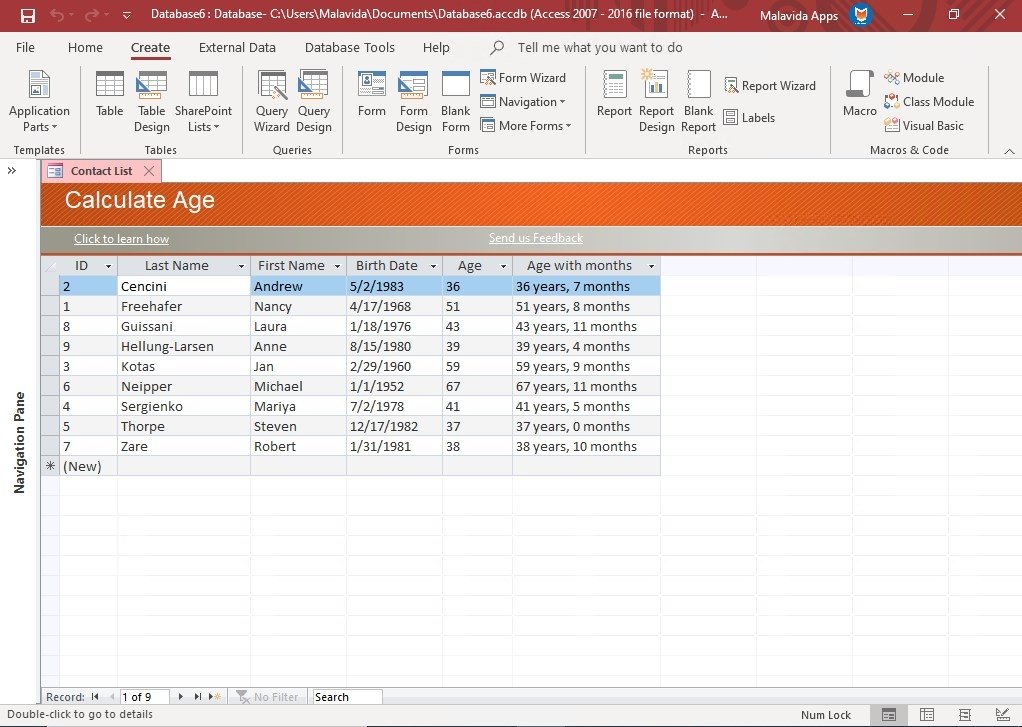
- Appealing and easy-to-use interface.
- Very simple data inputs without possible errors thanks to drop-down menus and auto-complete functions.
- Option to implement SharePoint applications.
- Back-end functions on SQL Server and Microsoft Azure SQL Database.
Where can I use Microsoft Access?
If you're interested in this software, count yourself lucky because it can be downloaded free for almost any platform or operating system. Here you can download Microsoft Access for PC, but you can also find a mobile version for Android in APK format and an edition for Mac computers. Unfortunately, there's still no online version as is the case of Word, Excel, or PowerPoint so your only choice is to download the complete Microsoft Office 2019 package to make the most of this program.
What's new in the latest version
- Microsoft hasn't announced the modifications included in this version.
Requirements and additional information:
- Minimum operating system requirements: Windows 7.
 Antony Peel
A Telecommunications Engineer, chance led me to the translation industry, where after a few years, I discovered another side of the world of technology while translating what others were writing about mobile applications and software. That...